Key points
- IPTV works anywhere with a stable internet connection
- Your connection and device matter more than the distance
- Set your device's time zone so the guide matches local time
Moving abroad changes a lot of small things, and TV is one people miss more than they expect. The news you trust, the football your family argues about, the soaps your parents never miss. Fortunately, watching TV from home is far easier than it used to be. This guide explains the options and how to get the best picture wherever you live.
Your main options
- Official broadcaster apps. Many broadcasters have their own apps, but a lot of them only work inside the home country or need a local account.
- Satellite with a large dish. Some expat communities still use oversized dishes to catch signals from home. It works in some regions, but installation is expensive and often not allowed in rented flats.
- International channel packages from local cable providers, which usually include only a handful of channels from each country.
- IPTV. A service like TVAXA streams channels from many countries over your normal internet connection, in one app, on the devices you already own.
Why IPTV suits people living abroad
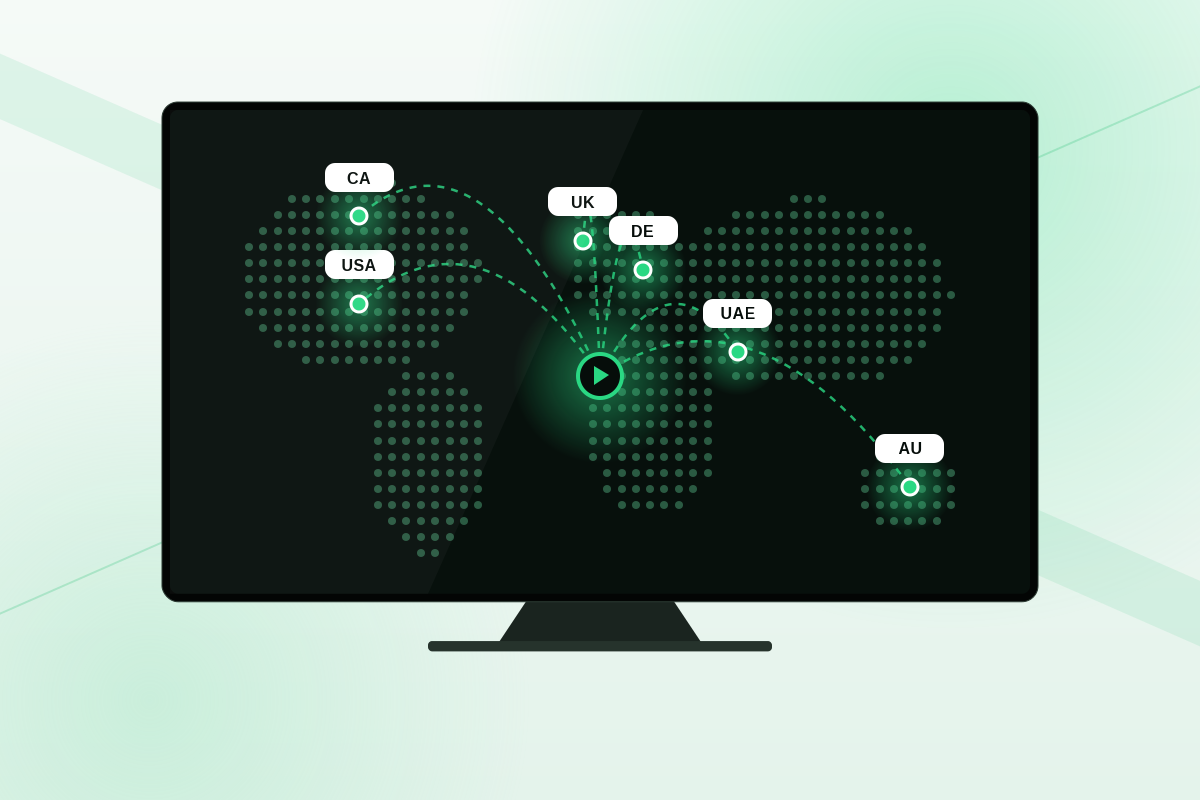
IPTV is not tied to an address or a satellite footprint. If your connection is good, the same channels play in Madrid, Dubai, Toronto or Sydney. TVAXA groups its live line-up by country, so you can jump straight to channels from home, while local channels and international news sit in the same app. For mixed households, a multi-screen plan lets parents watch TV from home while children watch local channels in another room.
What affects picture quality abroad
Distance itself matters less than people think. What matters is:
- Your local broadband. Fibre and good cable connections are ideal. Very slow DSL or congested mobile connections cause most problems.
- Your home Wi-Fi. A cable from the router to the TV, or a mesh system, often fixes freezing instantly.
- Your device. A recent streaming stick or box copes far better than an old smart TV.
- Peak times. Evenings and big match days put more load on local networks. Test at the times you watch most.
Time zones and the programme guide
When you watch channels from another country, the guide needs to know your local time. Set the correct time zone on your device first. If listings are still off, most player apps have an EPG offset setting where you can shift the guide forward or back by whole hours. Live sport will show at your local time once this is right.
Setting up TVAXA abroad
- Ask for a free trial and tell us which country you live in and which channels from home you care about.
- Follow the setup guide for your device.
- Create a favourites group with your channels from home so they open first.
- Set the time zone and EPG offset so listings match.
- If anything freezes, try a cable before anything else.
Travelling and second homes
Your TVAXA login works on a hotel TV, a holiday home or your phone, as long as the connection is decent. A standard plan plays on one screen at a time, so if two homes are watching at once you will need a multi-screen plan. Hotel Wi-Fi can be slow; a phone hotspot is sometimes the better option for a quick catch-up.
Country guides
We have written local guides for some of the countries where many of our customers live, covering broadband, time zones and popular channel categories. Start on the worldwide page, or message us and tell us where you are.