Key points
- Both connect the same TVAXA account to your app
- Xtream Codes is simpler and loads the guide automatically
- M3U is useful for players without Xtream support
When your TVAXA login arrives on WhatsApp, you may see two types of details: an Xtream Codes login (server, username, password) and an M3U link. Both open the same account. The question is which one suits your app and your device.
What is an Xtream Codes login?
An Xtream Codes login is made of three parts:
- Server URL, for example
http://example-server.com:8080 - Username
- Password
The player uses these to talk to the server directly. It downloads live channels, films, series and the programme guide as separate, neatly organised sections, and it can show account information such as your expiry date.
What is an M3U link?
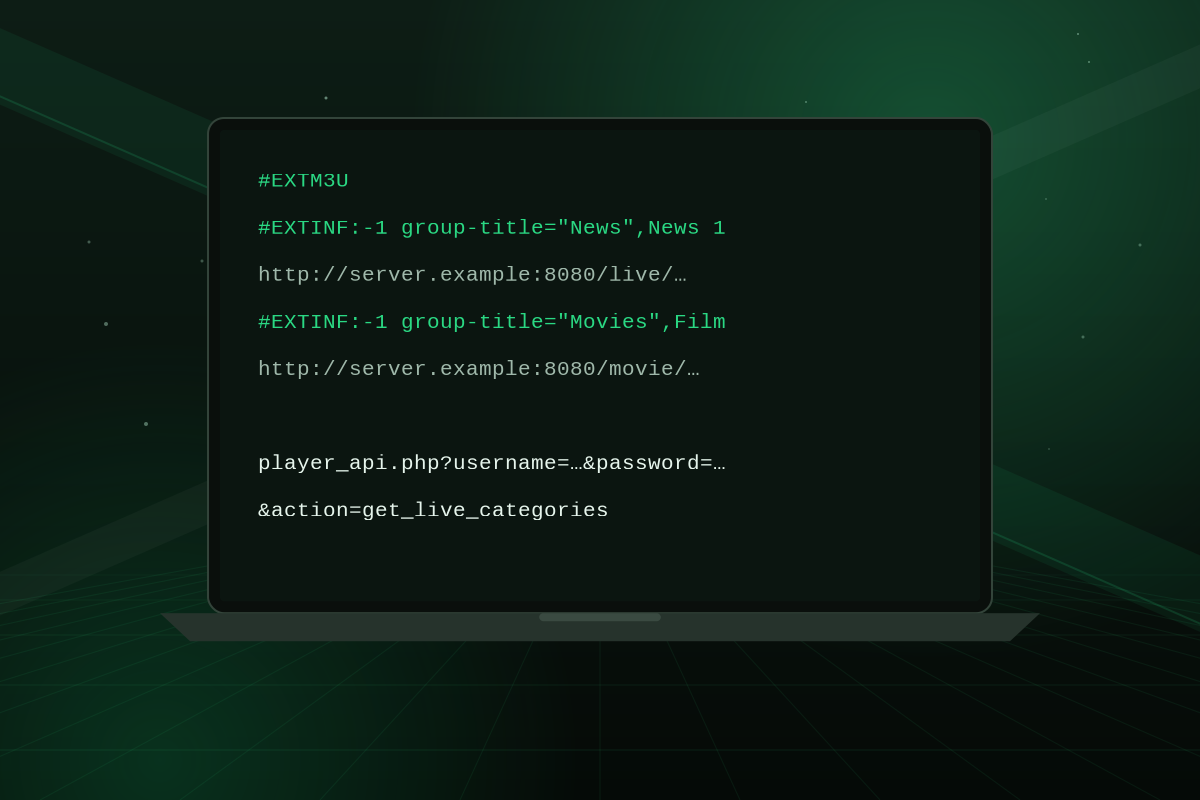
An M3U link is a single web address that points to a playlist file. That file lists channels and their stream addresses. Many players accept an M3U link, and it is the most universal format, supported even by general media players. Guide data usually needs to be added separately as an EPG link.
Side by side
| Xtream Codes | M3U link | |
|---|---|---|
| What you enter | Server, username, password | One long URL |
| Programme guide | Loaded automatically | Often added separately |
| Films and series | Sorted into their own sections | Sometimes mixed into the list |
| Loading speed | Usually faster | Can be slow with big lists |
| Compatibility | Most IPTV players | Almost every player |
Which should you choose?
Use Xtream Codes whenever your player supports it. It is easier to type, loads faster and keeps everything organised. Use M3U if your player only supports playlists, or if you are using a general media player on a computer.
Entering the details correctly
- Copy the details exactly. A single wrong character or extra space will cause a login error.
- Keep
http://at the start of the server and any port number such as:8080at the end. - Usernames and passwords are case-sensitive.
- On a TV, use a phone keyboard app or the player's website upload feature to avoid typos.
Common errors and fixes
- "Invalid credentials": retype the username and password; check for spaces.
- "Server not found": check the server URL and port.
- Playlist loads but the guide is empty: with M3U, add the EPG link; with Xtream, refresh the guide in settings.
- Very slow loading: switch from M3U to Xtream Codes, or hide categories you do not watch.
Keep your login private
Both formats give access to your account. Do not share them publicly or post screenshots online. If you think your details have leaked, message us and we will help.